Best Logo Design Course 2026 – Beginner to Pro Free Training
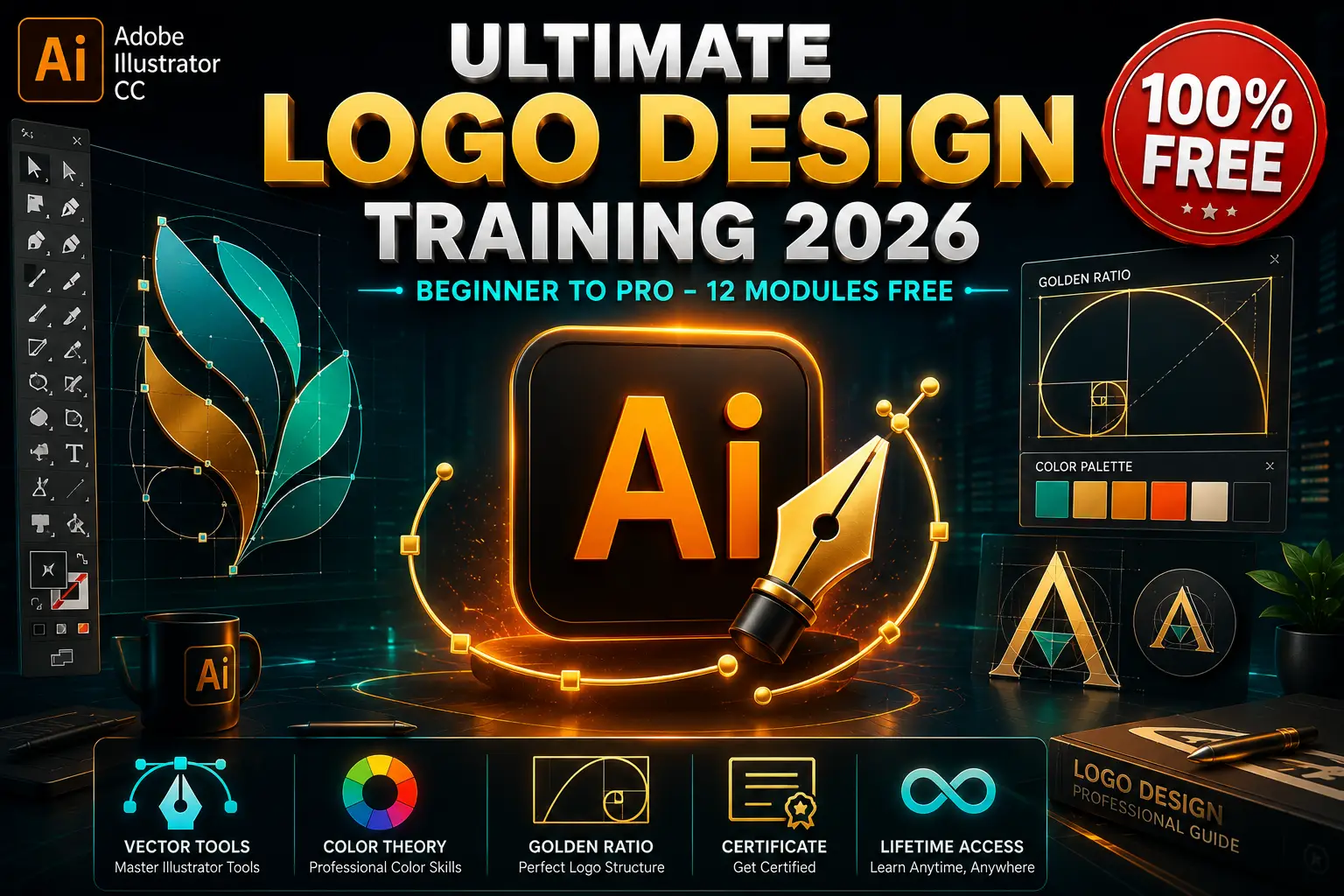
Adobe Illustrator is the industry-standard vector design tool trusted by top brands worldwide. This best logo design course takes you from complete beginner to professional logo designer with 12 hands-on modules. You will master vector illustration, color theory, the golden ratio, client-ready file formats, and brand identity design from scratch.
Every module has been updated for 2026. Whether you want to design logos for startups, build a freelance branding business, or start a creative design career, this free Illustrator training gives you everything you need.
Who Is This Logo Design Course For?
This logo design training is designed for two types of people:
Complete Beginners who have never opened Adobe Illustrator before. If you feel overwhelmed by all the tools, panels, and vector concepts, this structured logo design course starts from absolute zero.
Aspiring Brand Designers who know basics but want professional skills. Our graphic design guide helps you build a stunning portfolio. This course teaches you the exact techniques that top branding agencies use daily.
If you want a “become a designer overnight” shortcut, this is not it. But if you want real skills that clients pay for, keep reading.
April 20, 2026
by Admin
No Comments
10 Min Read
What You Will Learn in This Logo Design Course
This logo design course includes 12 complete modules. Here is exactly what you will master:
Module 1 – Introduction
Get familiar with the world of professional logo design. Learn what makes a logo memorable, timeless, and scalable — and how to think like a brand designer from day one.
Module 2 – Logo Design Fundamentals
Understand the core principles of effective logo design. Learn about simplicity, versatility, relevance, and memorability — the four pillars of iconic branding.
Module 3 – Color in Logo Design
Master color psychology and theory for branding. Learn how to choose color palettes that evoke emotion, build trust, and make logos instantly recognizable across all media.
Module 4 – Adobe Illustrator Essentials
Get comfortable with the Illustrator interface. Learn how to navigate artboards, use the Pen tool, shape builder, pathfinder, and essential vector tools like a pro.
Module 5 – Fibonacci & Golden Ratio
Unlock the secrets of divine proportion in design. Learn how to apply the Fibonacci sequence and golden ratio to create balanced, aesthetically pleasing logos that feel naturally harmonious.
Module 6 – The Creative & Logical Design Process
Develop a repeatable workflow from brief to final logo. Learn how to research competitors, sketch concepts, refine ideas, and combine creativity with strategic thinking.
Module 7 – Exporting Logo Files
Prepare professional deliverables for any use case. Learn how to export logos in AI, EPS, PDF, PNG, SVG, and JPG formats for web, print, and merchandise.
Module 8 – Working With Clients & Mockups
Present your work like a seasoned professional. Learn how to create realistic logo mockups, write design proposals, handle client feedback, and deliver polished presentations.
Module 9 – Logo Presentation
Showcase your designs with confidence. Learn layout techniques, storytelling methods, and how to justify your design decisions to win client approval every time.
Module 10 – Final Design Logo Project
Apply everything to a real-world branding project. Design a complete logo system from scratch — from initial sketch to final vector artwork and brand guidelines.
Module 11 – Conclusion
Review all key concepts and set yourself up for long-term success. Learn how to price your logo services, find clients, and continue growing as a brand designer.
Module 12 – Updates
Stay ahead with the latest Illustrator features and design trends. Get lifetime access to new lessons, tools, and techniques as the course evolves.
What You Get When You Enroll
12 complete modules from beginner to professional level
Hands-on projects including vector logos, brand identities, and client mockups
Certificate of completion to showcase on LinkedIn
Lifetime access to all course materials — completely free
30-day money-back guarantee (even though it is free)
Start Your Logo Design Journey Today
Adobe Illustrator is not just software — it is a creative superpower. With the right training, practice, and real projects, you can go from complete beginner to professional logo designer.
This free logo design course gives you everything you need to stop feeling overwhelmed and start creating stunning brand identities. Enroll now and open Adobe Illustrator with confidence today!
Course Details
| Instructor | Design Expert |
| Level | Beginner to Pro |
| Duration | 12+ Hours |
| Modules | 12 Complete |
| Language | English |
| Access | Lifetime |
Frequently Asked Questions
Is this logo design course really free?
Yes, this Adobe Illustrator logo design course is 100% free. No credit card required, no hidden fees. You get full access to all 12 modules, projects, and the completion certificate at zero cost.
Do I need a technical background to learn logo design?
Not at all. This course starts from absolute zero. If you have never opened Adobe Illustrator before, we guide you step-by-step through every tool and technique. All you need is a computer and creative curiosity.
How long does it take to complete?
Absolutely. Logo design and branding are among the highest-demand skills in the creative industry. Whether you want to freelance on Fiverr/Upwork, join a design agency, or start your own studio, this course builds the exact portfolio employers and clients look for.
Can this course help my career?
Absolutely. Logo design and branding are among the highest-demand skills in the creative industry. Whether you want to freelance on Fiverr/Upwork, join a design agency, or start your own studio, this course builds the exact portfolio employers and clients look for.
Will I get a certificate?
Yes! Upon completing all modules, you receive a certificate of completion that you can proudly display on LinkedIn, your resume, or your portfolio website.
What version of Adobe Illustrator do I need?
We recommend Adobe Illustrator CC 2024 or newer. However, most techniques work in older versions too. A free 7-day trial of Illustrator is available on Adobe’s official website if you do not have a subscription yet.
Will I learn how to work with real clients?
Yes. Modules 8 and 9 are specifically dedicated to client communication, mockup creation, and professional presentation — so you graduate ready to take on paid logo design projects.
Related Courses

4.8
Rating
49K+
Students
45+
Hours
Free
Certificate
100% FREE

4.8
Rating
49K+
Students
45+
Hours
Free
Certificate
100% FREE

4.8
Rating
49K+
Students
45+
Hours
Free
Certificate
100% FREE
4.8
Rating
49K+
Students
45+
Hours
Free
Certificate
100% FREE
Logo Design Course 2026 | Adobe Illustrator Free Training
Master logo design with Adobe Illustrator CC in this free 2026 course. 12 modules from beginner to pro — vector tools, golden ratio, brand identity & client-ready files. Enroll now for lifetime access + certificate!
Course Provider: Organization
Course Provider Name: deal monde
Course Provider URL: dealmonde.com
Course Mode: Online
Start Date: 8/7/2026
End Date: unlimited time
Course Type: Free
Course Currency: USD
Course Price: Free
Editor's Rating:
4.8
4.8